DSH Console
THE TERMINAL INTERFACE FOR DEEPSEEK HARNESS
Keep agent work in the terminal.
Streaming conversations, tool work, plan review, parallel agents, and persistent sessions, all built on canonical DSH services and events.
npm install -g @deepseek-ai/dsh @cofy-x/dsh-console- RELEASE
- v0.1.0-rc.4
- RUNTIME
- Node.js 24+
- UI
- React + Ink
- LICENSE
- Apache-2.0
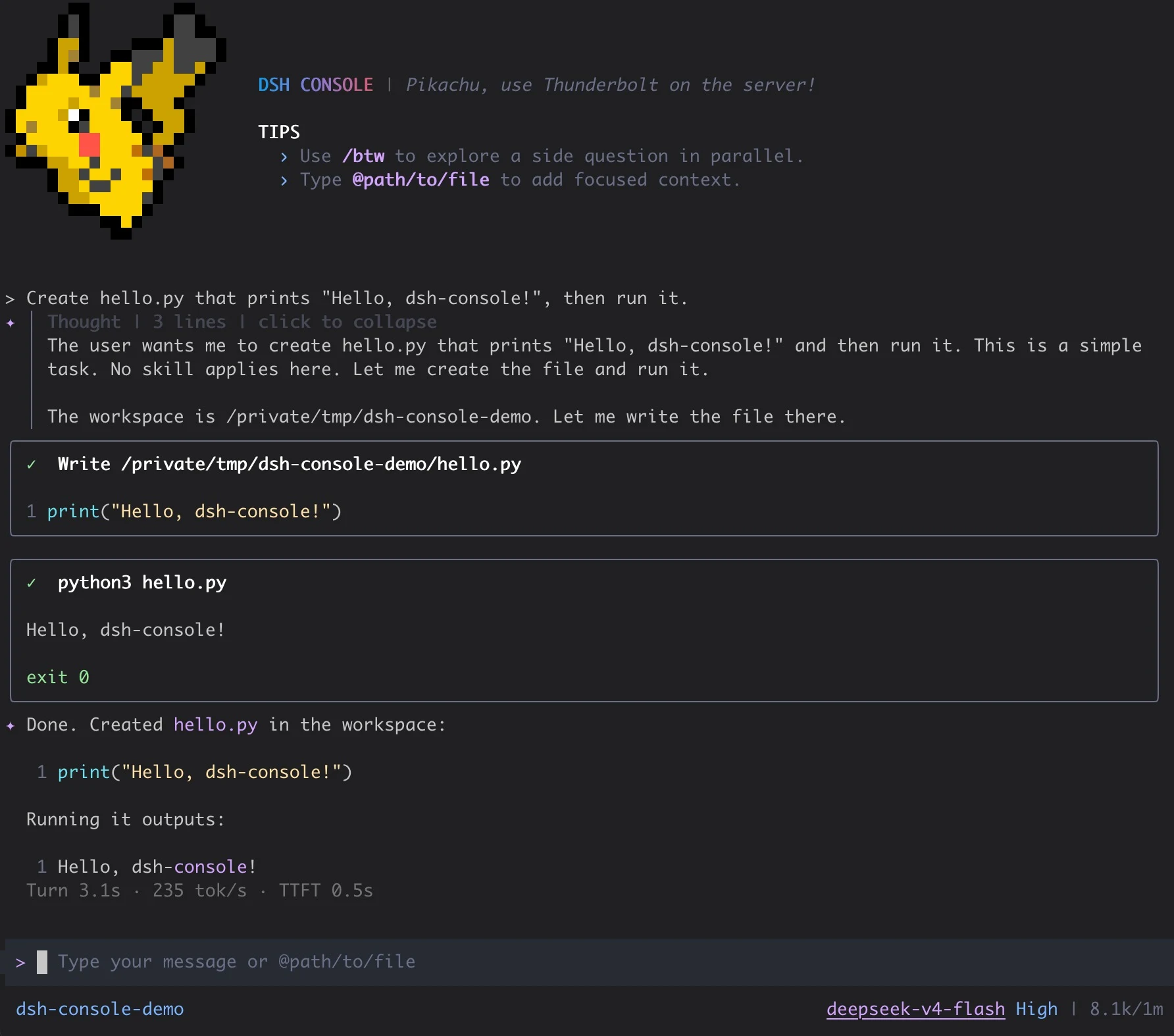
START WITH A REAL WORKFLOW
From first prompt to resumable work
01Install and launch
Install DSH and Console, configure a provider credential, and submit the first prompt.
02Choose a modelSelect a model and reasoning effort in the dialog, then track context usage.
03Resume a sessionBrowse persistent sessions for the current directory, replay canonical events, and continue.
04Review agent workSupervise tools, approvals, and todo state, then review plans before execution.